Ovation for Educators
Move speaking practice beyond the classroom
Ovation complements your course with structured speaking practice students can complete independently, giving them more reps outside the classroom.


Trusted by educators helping students build real-world speaking confidence


Class time is not enough
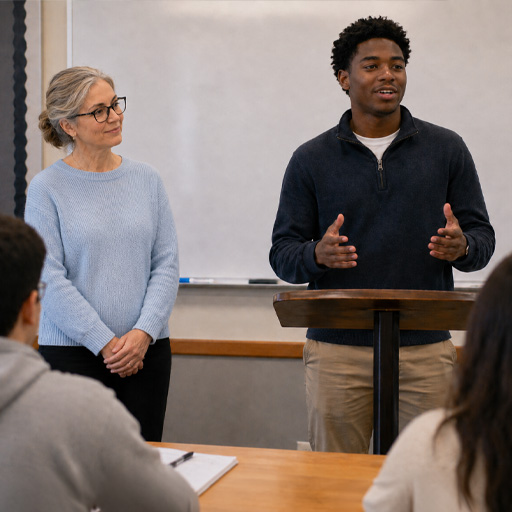
With 30 students and 50 minutes, most learners get too few speaking reps.
Level up your curriculum with Assignments
Ovation's Assignment feature, exclusive to organization subscribers, makes speaking practice easier to structure, distribute, and review. Instructors create a task around a course goal, students complete it on desktop or in VR, and each session produces feedback and progress data.

Build the assignment
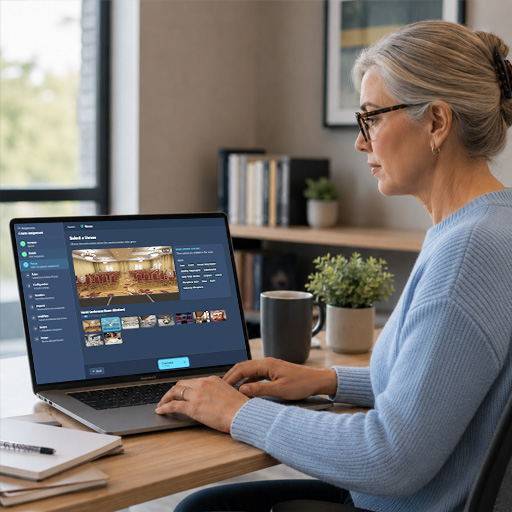
Select a scenario, customize the AI avatars, and align the generated feedback to your learning objectives.

Students practice
Students launch the assignment, practice at their own pace, and get feedback after each session.
Review progress
See who practiced, how often, and how they improved. Use reporting to support grading, coaching, and follow-up instruction.
Less setup. More practice.
Ovation gives instructors and lab teams a simpler way to assign, run, and support realistic speaking practice at scale.
For instructors and program leads
Build scenarios around the course, guide students through repeatable practice, and review progress without turning every session into extra admin work.

For lab facilitators and IT teams
Help students get started quickly, manage shared VR access, and support sessions with clear workflows instead of constant troubleshooting.

Works in VR labs, libraries, and shared tech spaces
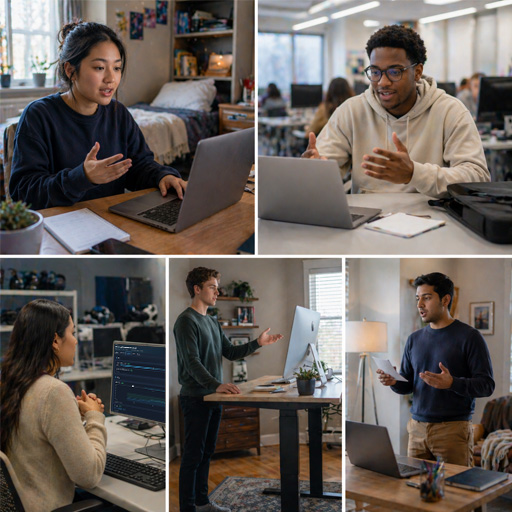
Ovation works wherever students practice: VR labs, libraries, shared headsets, or their own desktops. Educators can assign sessions once, and students can complete them without extra setup.
Easy access on student devices with Ovation Desktop
Desktop access helps institutions expand communication practice beyond headset availability. Students can complete more reps outside scheduled lab time, while instructors and facilitators support broader adoption with less setup.
How do licenses work for my organization?
You can invite unlimited users and install Ovation on unlimited supported devices. A 5-license plan means up to 5 users can be active at the same time.
Flexible across courses and departments
Use Ovation wherever students need repeatable speaking practice before the real moment.

Presentation
Low-stakes rehearsal for speeches, presentations, and audience Q&A before students are graded.
Departments

Interview
Practice interviews, admissions conversations, and career readiness with realistic follow-up questions.
Departments

Business
Pitches, briefings, team updates, and workplace conversations tied to course outcomes.
Departments

Conversation
Engage in feedback, conflict, negotiation, and client conversations.
Departments

Language
More target-language speaking time between lessons, with feedback students can act on.
Departments

Healthcare
Patient-centered practice for empathy, clarity, and clinical explanations.
Departments

Legal
Practice client intake, depositions, witness preparation, and courtroom communication.
Departments
Know what happened without watching every session
Analytics and AI-generated coaching notes are automatically generated. You can see which students are practicing, how they're improving, and where they may need more support. For deeper review, session transcripts and audio are available.

Common questions
Yes. Students load an assignment in the app and start speaking. There is no complex setup.
Yes. You choose the scenario, avatar behavior, difficulty, and other custom settings. Students practice within the parameters you set.
The Ovation website and in-app menus are currently English only. During practice, students can speak Arabic, Chinese (Mandarin), Czech, Danish, Dutch, English (UK), English (US), Finnish, French, German, Greek, Hebrew, Hindi, Indonesian, Italian, Japanese, Korean, Malay, Norwegian, Polish, Portuguese, Russian, Spanish (LATAM), Spanish (Spain), Swedish, Tamil, Thai, Turkish, Ukrainian, and Vietnamese, and AI avatars will respond in that language. AI-generated feedback can also be generated in those languages.
Students practice independently on their own devices or in a VR lab. You assign once, and every student gets the same structured experience with individualized feedback. No class time required.
Peer roleplay can be useful, but it depends on partner availability, comfort, and consistency. Ovation gives each student repeatable speaking practice with responsive avatars, clear parameters, and feedback after every session.
Each session produces a transcript, audio, speaking metrics such as filler words and pace, and AI-generated feedback. You can track participation, completion, and improvement across students over time.